Audioverto MP3 Converter
MP3 converter & video to MP3 — on your iPhone
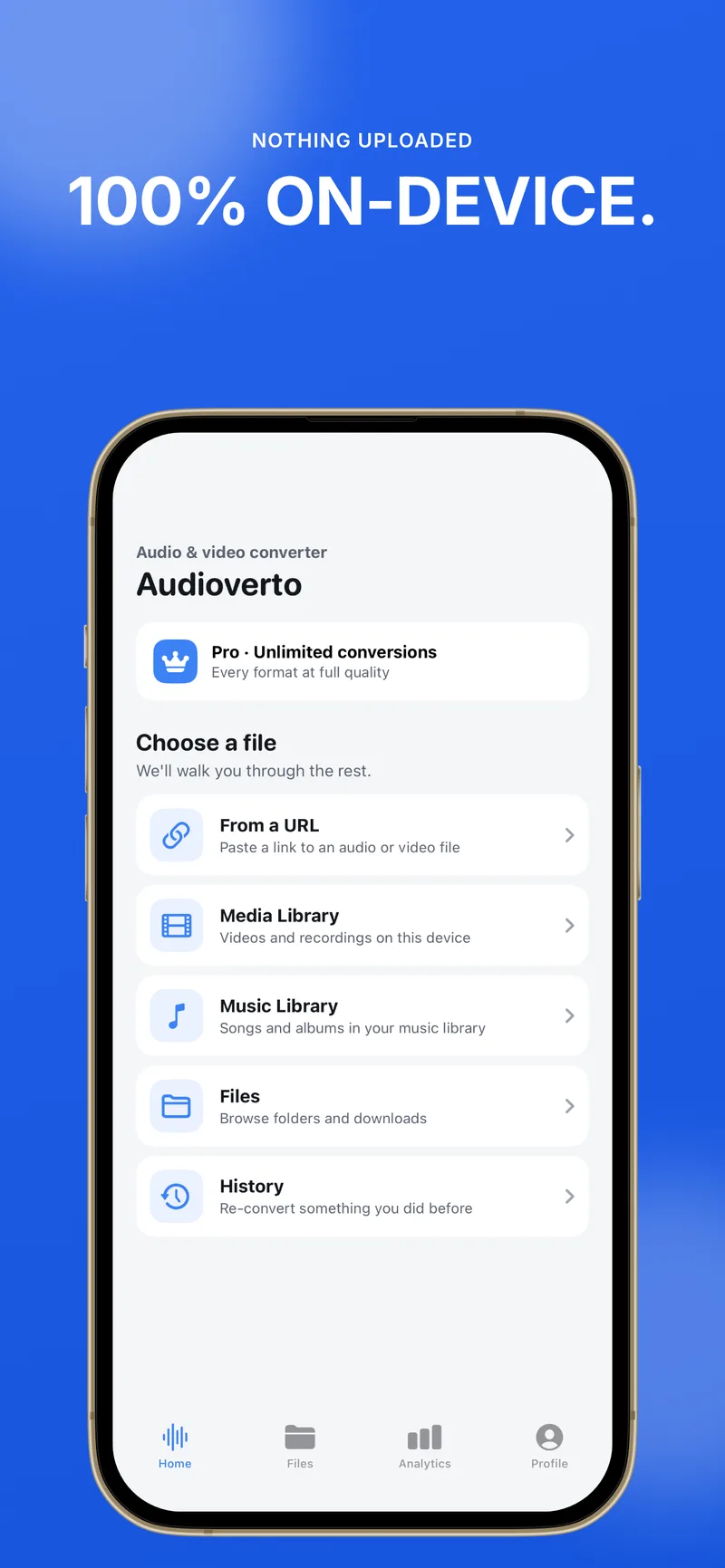
Extract audio from video, convert M4A to MP3, transcode MKV to MP4, and export WAV — 100% on-device. Your files never leave your phone.
Convert video to MP3, M4A to MP3, MKV to MP4, and WAV — entirely on your iPhone. No cloud uploads. Your files stay private on your device.
No ratings yetScreenshots
On-device MP3 convert & media tools
Whether you need a video to MP3 export, M4A to MP3, or MKV to MP4, Audioverto runs entirely on your iPhone — no cloud upload.
Video to MP3
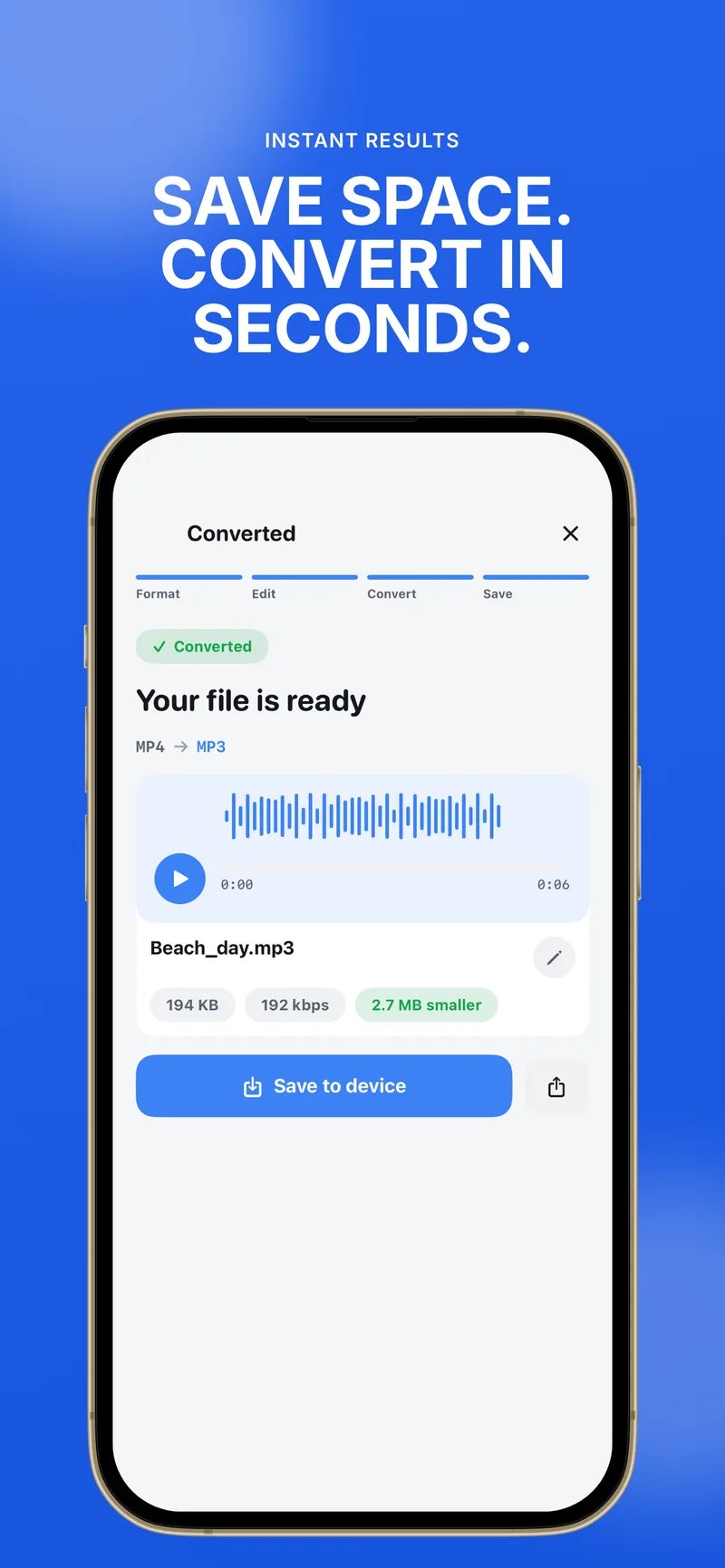
Pull audio from MP4, MOV, MKV, or WebM and save a high-quality MP3 without uploading your video to the cloud.
MP3 converter
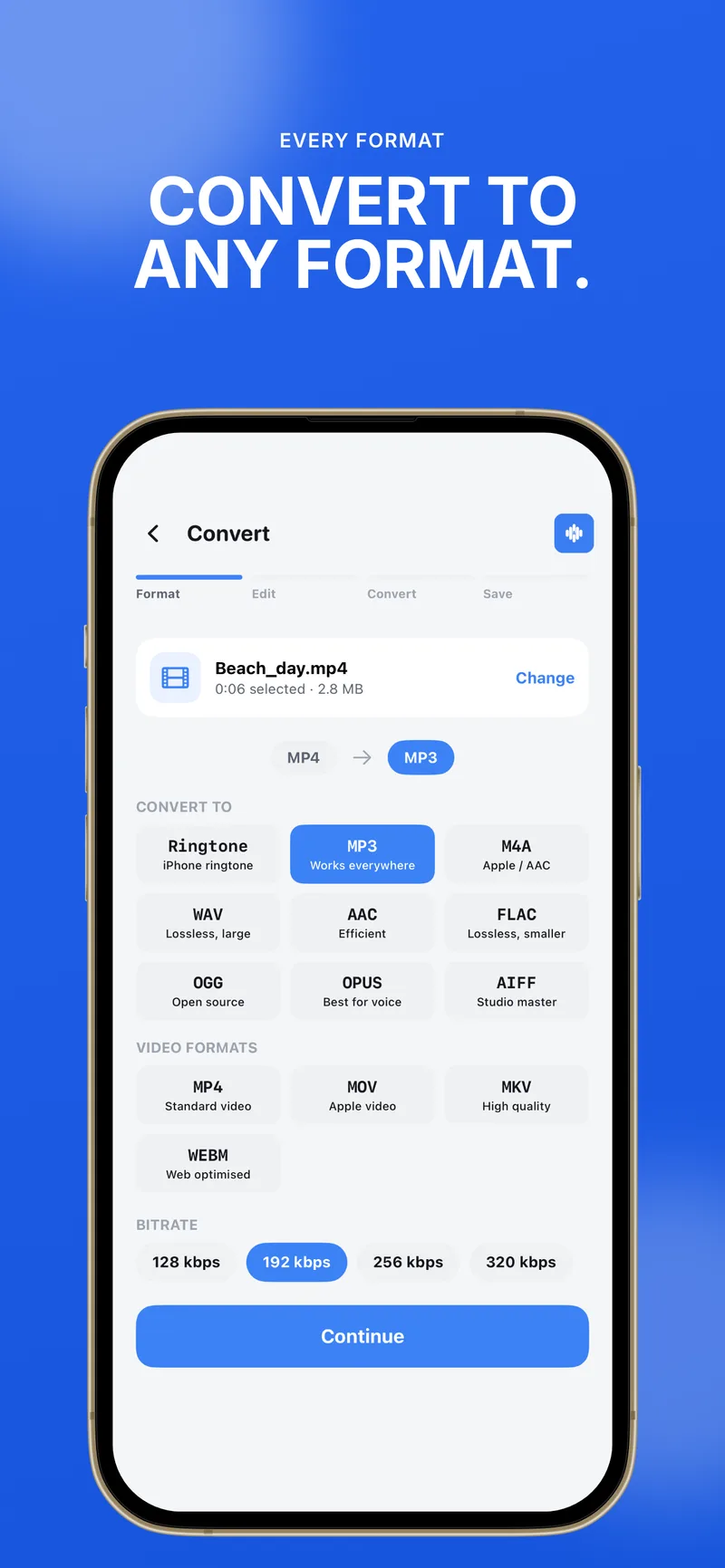
Convert M4A, WAV, AAC, FLAC, OGG, Opus, and AIFF to MP3 — or export from MP3 to other audio formats with bitrate control.
M4A to MP3
Turn Voice Memos, Apple Music exports, and M4A recordings into MP3 files that play everywhere.
MKV to MP4
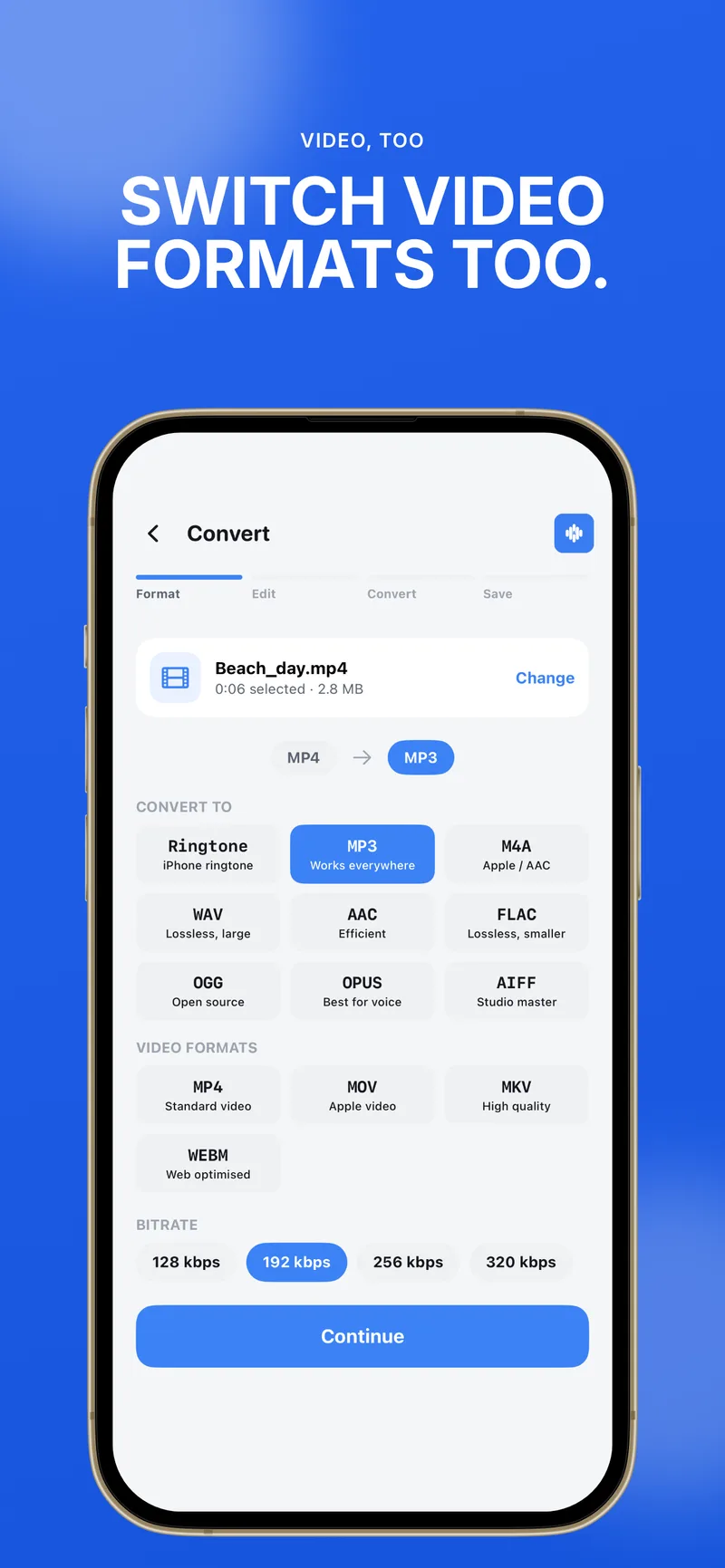
Transcode MKV and other video containers to MP4 locally on iPhone or iPad when you need a compatible file.
Extract audio from video
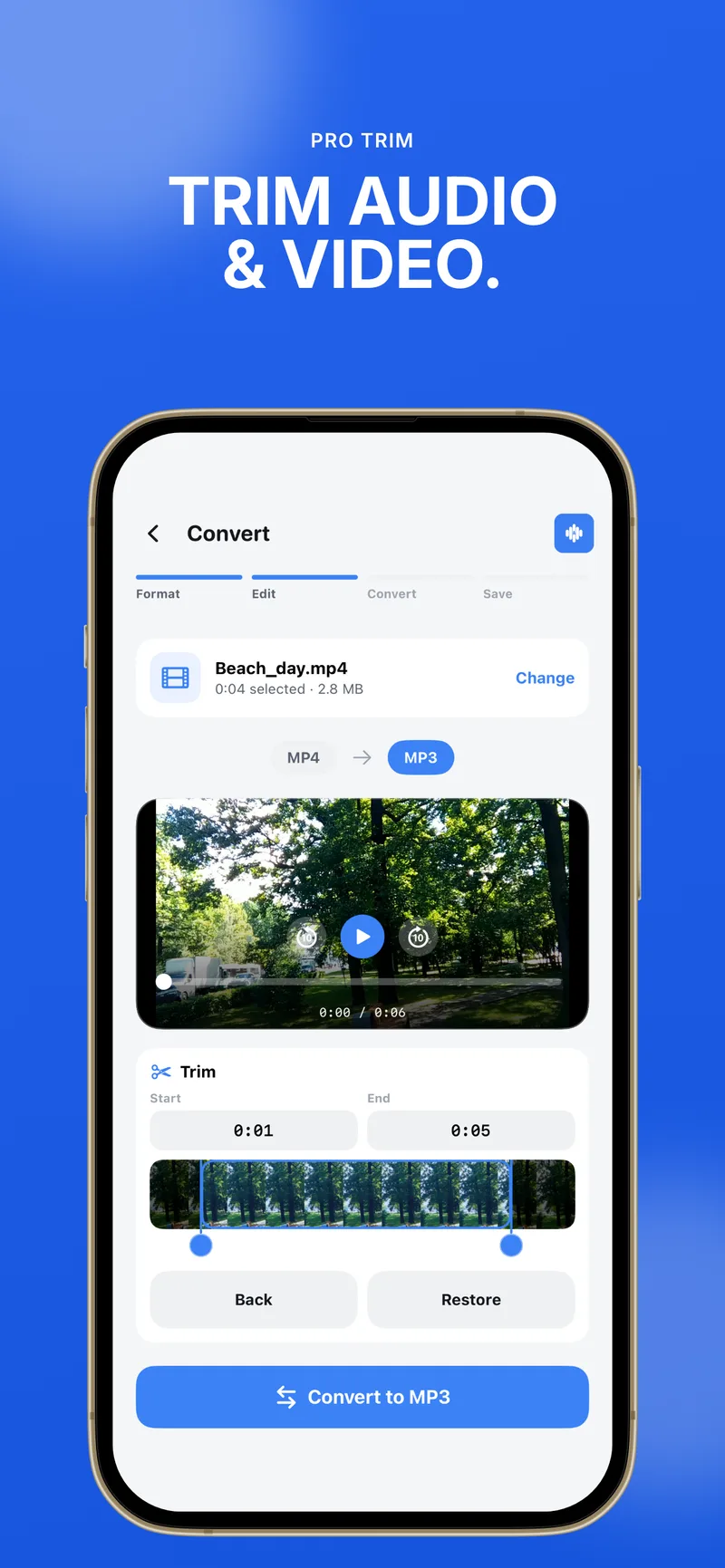
Strip the soundtrack from screen recordings, clips, and movies — trim, fade, and adjust volume before you convert.
WAV & lossless export
Export WAV, FLAC, and AIFF when you need lossless audio, or pick bitrates for smaller MP3 and AAC files.
Features
100% on-device
Conversions run on your iPhone. Your media is not uploaded to our servers.
Video to MP3
Extract MP3 from video files in a few taps — MP4, MOV, MKV, and WebM supported.
Audio file converter
MP3, M4A, WAV, AAC, FLAC, OGG, Opus, and AIFF — with bitrate and quality options.
Import anywhere
Bring files from the Files app, Photos, or a pasted link and convert locally.
Edit before export
Trim, fade in/out, change volume, speed, mono/stereo, or remove audio from video.
Conversion history
Re-convert or share past exports anytime from your on-device history.
Supported formats
Convert audio, extract sound from video, or transcode video containers — all with the same private on-device engine.
Audio
MP3M4AWAVAACFLACOGGOpusAIFF
Video
MP4MOVMKVWebM
About Audioverto MP3 Converter
What's New
We've expanded editing before you convert. Beyond trim, you can fade in and out, adjust volume, change playback speed, choose mono or stereo output, and remove audio from video. • Trim audio & video • Fade in / out • Adjust volume • Playback speed • Mono or stereo output • Remove audio from video
Version 1.4
FAQ
How do I convert video to MP3 on iPhone?
Open Audioverto, import your video from Files or Photos, choose MP3 as the output format, set quality if you like, and start the conversion. The MP3 is saved on your device — nothing is uploaded for processing.
Can Audioverto convert MKV to MP4?
Yes. Import an MKV file, select MP4 as the output, and Audioverto transcodes on your iPhone or iPad. For audio only, you can also extract MP3 or other formats from MKV video.
Is this an online MP3 converter?
No. Audioverto is an on-device MP3 converter. Your files stay on your phone, which is faster and more private than cloud-based convert tools.
Which formats are supported?
Audio: MP3, M4A, WAV, AAC, FLAC, OGG, Opus, and AIFF. Video: MP4, MOV, MKV, and WebM. You can extract audio from video or transcode between supported video formats.
Is Audioverto free?
You can try Audioverto with 3 conversions every 30 days. Audioverto Pro unlocks unlimited conversions via in-app subscription or lifetime purchase on the App Store.
Do my files leave my iPhone?
No. All conversion happens locally. We do not upload your media to the cloud to convert it.
Convert audio and video on your iPhone
Download Audioverto free on the App Store. Try 3 conversions every 30 days, or upgrade to Pro for unlimited MP3 convert and full-quality exports.